
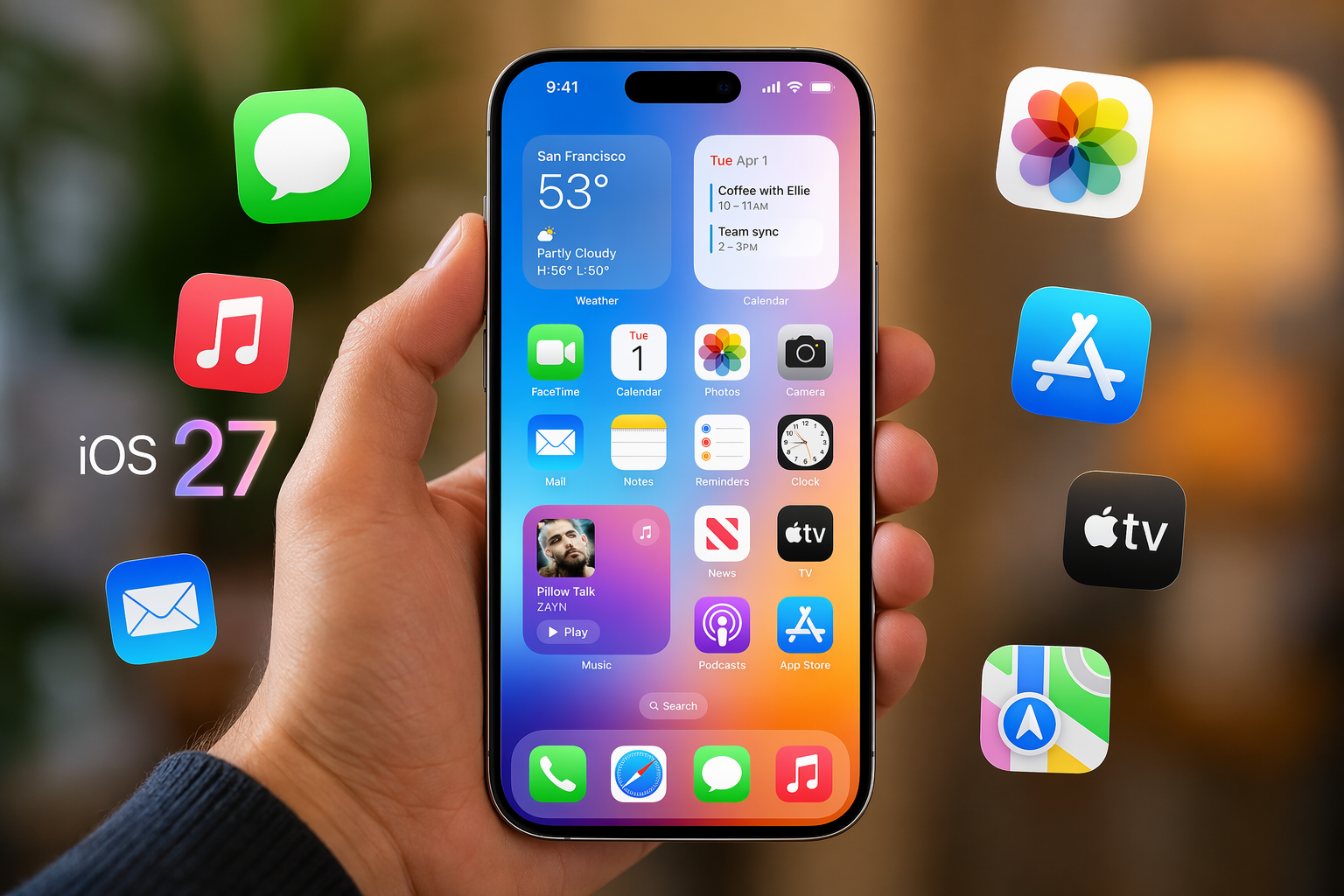
If you have been waiting for an early look at Apple’s next big iPhone software, the iOS 27 public beta is finally here. This beta release gives you access to some of the most talked-about iOS updates before the final release in September. You can test smarter AI tools, faster system behavior, and app upgrades right now. Still, this is a public beta, so it is best treated as a preview rather than a finished experience.
Discover 8 Standout Features in iOS 27 Public Beta
So, what are the best new features in the iOS 27 public beta worth testing? Start with Siri AI, Visual Intelligence, system-wide writing help, and easier automations. These are the changes that feel most different in daily use.
If you joined the Apple Beta Software Program and installed the first public beta version, you also get faster animations, quicker app launches, and smoother transfers. Even with beta software, iOS 27 feels more polished than many early builds from past years. Here are eight features worth trying first.
1. Siri AI Enhancements for Smarter Voice Assistance
The biggest change in iOS 27 is Siri AI. Apple has rebuilt its virtual assistant to feel more conversational and useful. The new Siri supports back-and-forth requests, understands natural language better, and can respond more like modern AI tools instead of the older, limited version.
What makes these AI features stand out is access. Siri can work with your messages, emails, photos, apps, and files to complete more personal tasks. You can ask it to find specific content, delete items, update contacts, answer questions about what is on your screen, or even build home automations.
As for battery life, Apple highlights performance improvements more clearly than battery gains. The public beta does feel faster than previous versions, with quicker animations and launches, but beta software can still behave unevenly. If battery life matters a lot, test it on a secondary device first.
2. Visual Intelligence Upgrades for Photos and Camera
Another feature worth opening right away is Visual Intelligence. In Apple’s iOS 27, it is easier to reach because it now appears as a new Siri mode inside the Camera app. That small change matters because it puts AI features closer to how you actually use your phone.
Once active, Visual Intelligence can read the scene in front of you and help with practical tasks. It can estimate nutritional details for food and even calculate what each person owes from a photo of a receipt. That turns the camera into more than a lens.
Not every new feature is the same across devices. iPhone gets these camera-focused tools directly, while iPad follows its own iPadOS 27 path. So yes, some new features are available across both, but this specific software update centers on Visual Intelligence for iPhone use.
3. Write with Siri: Seamless Dictation Across Apps
If you write a lot on your phone, Write with Siri may become your favorite addition. This system-wide tool brings dictation and writing support directly to the keyboard, so you can use it across apps without changing your routine. New Siri AI can draft text, revise wording, and adjust tone.
It also gives feedback on what you already wrote. Apple Intelligence can suggest grammar fixes along with spelling corrections, and Siri can even try to match your writing style by analyzing your emails and messages. That makes quick replies, notes, and edits feel much less tedious.
You can use Write with Siri to:
- Draft text from scratch
- Rewrite sentences in a different tone
- Polish grammar and spelling
- Refine wording inside supported apps
If you spot bugs while testing, use Feedback Assistant. That is Apple’s built-in path for reporting issues during the public beta.
4. Passwords Management Improvements
Passwords get a practical boost in this software update. If you already use Apple’s Passwords app, iOS 27 can now use Safari to automatically change weak or compromised passwords for you. That saves time and removes some of the friction that usually comes with security cleanup.
For many people, this could be one of the most useful quiet upgrades in Apple software. Instead of manually visiting site after site, the system can handle more of the process for stored credentials. It is designed to make password hygiene less annoying and more automatic.
There are still risks to know before installing beta software. Bugs can affect login flows, third-party apps, or key services you rely on. Apple does not recommend installing early builds on your main device. Back up first, and choose a secondary device if you want fewer headaches.
5. Safari Browsing Experience Boosts
Safari gets some of the most creative new features in iOS 27. You can create custom extensions using natural language commands, which opens the door to personalized browsing without needing a ready-made add-on. That means Safari starts to feel more flexible and much less rigid.
Apple also adds smarter tab organization and webpage monitoring. Safari can sort tabs into categories and watch a page for changes, then let you know when something updates. It is a cleaner experience for heavy browsing, and it gives the browser a more capable feel than before.
If bugs push you to roll back, Apple advises making a backup before installing the beta. That matters because downgrading to a previous version is much easier when you have an archived backup ready. This software update is promising, but recovery planning still matters.
6. Home App Updates for Smarter Controls
The Home app adds upgrades that feel useful right away, especially if you already have connected cameras. In the latest beta updates, HomeKit Secure Video now supports 2K and 4K recording. That alone makes the Home app one of the greatest improvements in the beta versions of iOS.
Apple also adds AI-powered descriptions for what is happening in your home and natural language search for video clips. Instead of scrubbing through footage, you can search for moments in a more human way. These smart controls make the app easier to use when you need quick answers.
Highlights include:
- 2K and 4K recording support for secure video cameras
- AI text summaries of activity in your home
- natural language search across saved video clips
Want access? You can sign up through Apple’s public beta website as a member of the Apple Beta Software Program.
7. AirPods EQ Customization
For years, many users wanted deeper sound controls for AirPods. iOS 27 finally adds them. With the new EQ options, you can adjust mids, highs, and lows instead of sticking with Apple’s default tuning. It is a simple change, but it gives you more control over everyday listening.
This software update supports custom EQ on AirPods 4, AirPods Pro 2, AirPods Pro 3, and AirPods Max 2. If you already use AirPods throughout the day, that makes the feature easy to appreciate. It is one of those smaller upgrades that can have a constant impact.
Before you install, check compatibility. iOS 27 public beta supports iPhone 11 and newer models, including recent Pro Max versions and iPhone Air. You also need the right Apple Account signed in to access beta options. If your device is older, some Apple Intelligence features still will not appear.
8. Shortcuts Automation Expansion
Shortcuts become much easier in iOS 27, which is great news if the app used to feel too technical. Now you can tell Shortcuts what you want in plain language, and the system builds it for you using AI features. After that, you can refine the result with more requests or manual edits.
This change lowers the barrier for everyday users. Instead of building every step by hand, you describe the goal and let the app do more of the setup. It fits well with Apple’s broader push toward simpler automation, even if you mostly use features like the Dynamic Island and voice controls.
The iOS 27 public beta was released for download on July 13, 2026, through the software program tied to your Apple ID.
| Shortcuts change | What it means for you |
|---|---|
| Natural language creation | Describe the shortcut you want instead of building every action manually |
| AI-assisted setup | The app generates a starting workflow based on your request |
| Easy refinement | You can adjust the shortcut with follow-up instructions or manual edits |
Conclusion
In conclusion, the iOS 27 Public Beta brings an exciting array of features that enhance the functionality and user experience of your device. From smarter Siri interactions to improved photo management and enhanced browsing capabilities, each update aims to empower users with greater control and efficiency. Embracing this beta version not only allows you to explore the latest innovations but also offers valuable feedback to Apple for further enhancements. If you’re eager to experience these standout features firsthand, don’t hesitate to dive into the iOS 27 Public Beta today!
Frequently Asked Questions
Is my device compatible with iOS 27 public beta?
The public beta supports any compatible iPhone from iPhone 11 and newer, including newer SE models and recent Pro devices. You need the correct Apple ID signed in to access beta options. Keep in mind that some iOS updates and Apple Intelligence features require newer hardware.
How can I download and install the iOS 27 public beta on my iPhone?
Join the free Apple Beta Software Program, then open Settings, tap General, and go to Software Update. Choose Beta Updates, select the iOS 27 public beta release, and download it. You do not need the Apple Developer Program for this public path, but backing up first is strongly recommended.
Are there any risks or issues to consider before installing iOS 27 public beta?
Yes. This is beta software, so bugs, app issues, and uneven performance can happen. It is safer to install it on a secondary device rather than your main phone. If problems appear, report them through Feedback Assistant and check the Apple Support Community for shared experiences from developer beta and public testers.

Zak McGraw, Digital Marketing Manager at Vision Computer Solutions in the Detroit Metro Area, shares tips on MSP services, cybersecurity, and business tech.