
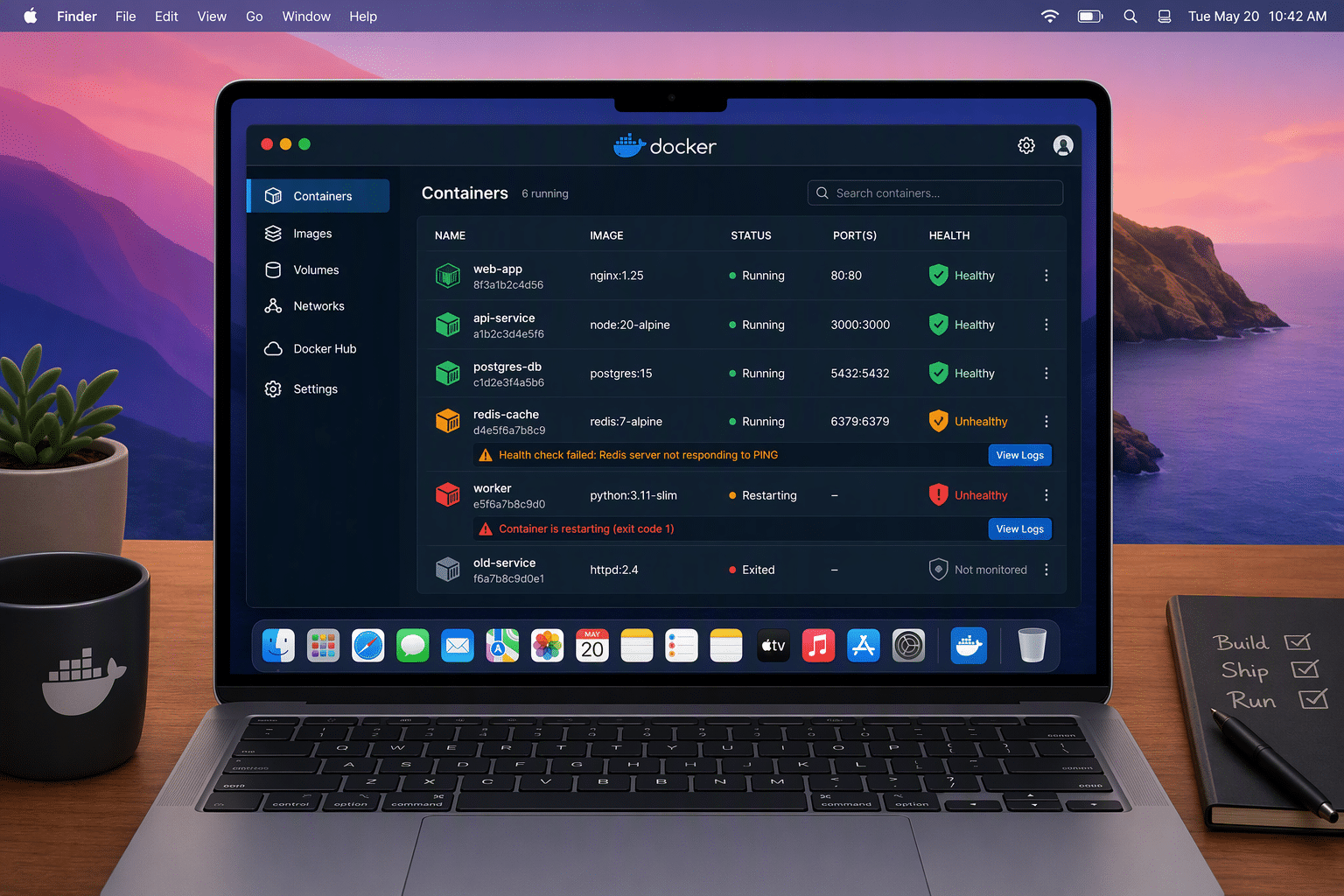
A newly disclosed issue in Docker sandboxes has raised serious concerns for macOS users. The flaw shows how security vulnerabilities inside an isolation feature can still affect the host operating system when malicious code is running in the guest environment. If you use Docker Sandbox for AI coding agents or development work, this matters to you. The problem was rated critical, and while no active exploitation was reported, the risk was high enough to demand fast action and careful review of your setup.
Overview of Docker Sandbox Vulnerability on macOS
Docker warned that one of its Docker sandbox flaws on macOS could let malicious code running inside a small virtual machine break out of the intended shared workspace. Instead of staying limited to the project directory, the guest could reach other host files.
That makes this one of the more serious software vulnerabilities for macOS users working with AI agents or untrusted code. Because the escape used the rights of the host account running the virtual machine, it created a path to unauthorized access and possible host-side code execution. The next sections explain how this happened and why it matters.
How Docker Sandbox Works on macOS
Docker sandboxes on macOS run each AI coding agent inside its own small virtual machine. The idea is simple: code inside the guest should stay separated from the host operating system, with only the project directory shared. That isolation is meant to improve application security when you test tools, packages, or open-source components.
In practice, virtual machines and sandboxes help prevent malicious code attacks by reducing direct access to the host. If bad code runs inside the guest, the hypervisor boundary is supposed to contain it. That also helps limit network access and file reach compared with giving tools direct host privileges.
Still, the protection depends on the isolation layer working correctly. In this case, the flaw was in the virtio-fs host server, which handled file sharing between macOS and the guest. A symlink handling issue allowed code inside the sandbox to escape the intended workspace boundary.
What Makes This Vulnerability Critical for Users
What makes this issue critical is not just the bug itself, but where it sits in the trust model. A Docker sandbox exists to contain risky code. If that boundary fails, malicious code can reach beyond the guest and interact with host computer systems in ways users never intended.
For macOS users, this does not mean the operating system is always more vulnerable than others. It means this specific flaw was macOS-only and exposed a path to unauthorized access. That is especially concerning when AI agents install packages or run commands that may introduce supply chain attacks.
- Sensitive data outside the shared project folder could be read or changed.
- Host-level actions could occur with the same rights as the account running the virtual machine.
- A compromised agent or dependency could turn normal development work into a security event.
Understanding Malicious Code in the Context of Docker
Malicious code is any code designed to cause harm, expose data, or bypass expected controls. In a Docker Sandbox, that can mean a turned agent, a poisoned package, or anything the guest installs and runs with harmful intent. The danger grows when trust is placed in automation.
That matters because many modern workflows depend on supply chain components and downloaded tools. If malware threats enter the sandbox, sensitive information on the macOS host may be at risk when isolation breaks. To understand the danger better, it helps to look at the common forms of malicious code and how real attacks play out.
Common Types of Malicious Code Targeting Virtual Environments
The most common types of malicious code found today include programs and files that steal, spread, hide, or block access. In virtual environments, these threats may arrive through packages, email attachments, malicious websites, or supply chain compromises. Some rely on code execution, while others depend on tricking users first.
Common types of malicious code include:
- Trojan horse malware that looks like legitimate software but performs hidden actions.
- Worms and other malware attacks that spread across connected systems.
- Ransomware that blocks access until payment is demanded.
- Spyware and polymorphic malware designed to stay hidden and change over time.
Another path is social engineering. A user may trust a package, a web page, or a message that looks routine. Once launched, the harmful code can run inside the guest, and if the sandbox has a weakness, the attack may move beyond the virtual environment.
Real-World Examples of Malicious Code Exploits
Real-world examples show that malicious code often succeeds when attackers mix deception with technical flaws. Historical malware attacks have included email worms such as MyDoom, Bagle, and Netsky, which spread rapidly and pushed organizations to improve scanning and filtering.
Other examples include scripting attacks on trusted platforms and Trojan horse programs disguised as legitimate tools. These methods let threat actors gain the same access a normal user would have, then alter files, capture data, or open the door to further compromise.
In the Docker Sandbox case, the example is more specific: malicious code inside a sandboxed virtual machine on macOS could abuse a file-sharing weakness to escape the workspace. That turns a supply chain or agent compromise into a host risk, which is why supply chain exploits remain such a concern.
How Virtual Machines and Sandboxes Interact on macOS
On macOS, a Docker Sandbox relies on virtual machines to separate guest activity from the host operating system. The guest runs code, installs packages, and performs tasks inside that contained environment, while selected files are shared for development work.
This design is useful, but system vulnerabilities in the sharing layer can weaken the whole model. If the virtual machine remains isolated, the host stays safer. If file handling or socket relays fail, the sandbox can become a bridge instead of a barrier. That difference is important when comparing sandboxes and virtual machines more closely.
Differences Between a Docker Sandbox and Virtual Machines
Docker sandboxes and virtual machines are related, but they are not identical in how users experience them. In this setup, a Docker Sandbox places AI agents inside small virtual machines while sharing the project workspace. That gives convenience, but it also means the file-sharing layer becomes part of the security model.
Here is a simple comparison:
| Feature | Docker Sandbox | Virtual Machines |
|---|---|---|
| Main purpose | Run agent tasks in an isolated workspace | Run a fuller guest environment separated from the host |
| Host interaction | Often shares a project directory with the host | May use less direct file sharing by default |
| Security focus | Fast workflow with controlled workspace access | Stronger separation through guest and host boundaries |
| Risk point in this flaw | Shared file access on macOS | Isolation depends less on that exact workspace model |
Both approaches help contain harmful code by limiting direct reach into the operating system. Still, no barrier is perfect. If legitimate software or supporting services mishandle paths, links, or sockets, code inside the guest may find a way out.
Security Strengths and Weaknesses in macOS Isolation Techniques
macOS isolation techniques offer real value, especially when risky code is placed inside a guest instead of on the host. That supports application security and reduces the chance that every test, script, or package has direct host access. For many users, that is a smart first layer.
At the same time, security vulnerabilities in supporting components can undercut that benefit. This flaw did not prove macOS is always weaker than other systems. It showed that macOS-specific file-sharing behavior in this product created one of the system vulnerabilities attackers could target.
Key strengths and weaknesses include:
- Strength: the guest is separated from the host operating system by a virtual machine boundary.
- Weakness: shared folders and relays can create narrow but dangerous escape routes.
- Weakness: if untrusted code runs with elevated guest rights, a host-side flaw becomes far more serious.
Impact and Risks of the Flaw for macOS Users
For macOS users, the impact comes down to exposure. If malicious code ran inside an affected sandbox, sensitive information stored elsewhere on the host might no longer be out of reach. That changes a local development issue into a wider security problem.
The risk is not only personal. Unauthorized access to host files can affect a team’s projects, credentials, and the business’s safety. Even without confirmed exploitation, a critical flaw with possible file modification and data theft deserves attention. The next two sections break down what that could look like in practice.
How Malicious Guest Code Can Affect Host Files
Malicious code inside the guest could exploit the file-sharing flaw to move beyond the intended workspace. Docker said a guest could replace a parent directory with a symlink and then read or change files elsewhere on the host. Because it used the host account tied to the virtual machine, the result could be serious unauthorized access.
That means files on your computer’s hard drive outside the project folder could be exposed. Personal information, configuration files, and development assets may all become reachable if the sandbox is compromised. In some cases, Docker warned this could potentially lead to code execution on the host.
How would you notice trouble? Common warning signs of malicious code can include unusual file changes, programs crashing, sudden system slowdowns, strange account activity, or unexpected network access. Those signs do not prove this exact flaw was used, but they are good reasons to investigate quickly.
Potential Consequences for Personal and Business Data
Once host files are exposed, the consequences can spread fast. Sensitive data may include source code, saved credentials, project files, and personal information that was never meant to enter the sandbox. Even a limited escape can create broad operational problems.
For organizations, the issue reaches beyond one developer machine. A single compromise can affect the business’s safety if stolen files support follow-on access, internal movement, or tampering with software workflows. This is why supply chain risk and agent behavior deserve close attention.
Possible outcomes include:
- Data theft involving personal information or internal project material.
- Major disruptions if files are altered, deleted, or replaced with harmful content.
- Longer recovery work if the incident leads to broader trust issues across development systems.
Protecting macOS Against Malicious Code in Docker Environments
The first and most important step is simple: install the fixed release. Docker advised users affected by this issue to update to 0.42.0 or later. Fast software updates reduce the time a known weakness remains open, which is key when critical flaws involve AI agents and shared host access.
If you cannot patch right away, reduce exposure. Docker recommends clone mode and avoiding read-write host mounts. Alongside that, keep antivirus software current, review automatic updates, and watch for signs of security breaches. The next sections cover practical habits and tools you can use right now.
Best Security Practices for Using Docker on macOS
If you use Docker on macOS, focus on reducing trust in anything that runs inside the sandbox. AI agents may install packages, execute commands, and interact with project files, so best practices matter even during normal development. Small changes can strengthen application security right away.
Start with these steps:
- Update Docker Sandboxes to 0.42.0 or later and keep software updates current.
- Use clone mode when possible instead of broader read-write host sharing.
- Avoid adding unnecessary read-write host mounts to the sandbox.
- Keep reputable antivirus software enabled and up to date.
A few habits also help. Review what your agents install, treat external packages cautiously, and recreate older sandboxes with safer settings if needed. No single tool is the best way on its own, but layered controls give you a stronger defense against malicious code entering through development workflows.
Tools and Techniques to Detect and Prevent Malicious Code
Detection starts with watching for unusual behavior. If your Mac slows down suddenly, programs crash, files change unexpectedly, or accounts show strange activity, you may need to check for malicious code. Antivirus software remains a core tool because it can scan files and quarantine known threats.
Prevention improves when you combine scanning with visibility. Review sandbox behavior, pay attention to unexpected network traffic, and check whether agents are pulling unknown packages or opening paths they should not reach. Good cyber threat intelligence also helps teams understand which flaws are most urgent to patch.
Useful tools and techniques include:
- Antivirus software with current definitions and regular scans.
- Monitoring for unusual network traffic or unexpected file access patterns.
- Threat intelligence and cyber threat intelligence feeds to prioritize patching and risky behavior.
Conclusion
In conclusion, the Docker sandbox vulnerability presents significant risks for macOS users, as it allows malicious guest code to access and modify host files. Understanding how these sandboxes interact with your system is crucial in protecting your personal and business data from potential exploits. By implementing best security practices and utilizing the right tools, you can significantly reduce the threat of malicious code infiltrating your environment. Staying informed and proactive is key to safeguarding your macOS device against these vulnerabilities. If you have concerns or need guidance on strengthening your security measures, don’t hesitate to reach out for a free consultation.
Frequently Asked Questions
How can I check if my macOS device is affected by this vulnerability?
Check your Docker Sandboxes version first. If your macOS system is running a version from 0.28.0 up to but not including 0.42.0, it is affected by this flaw. Review update status, look for unusual file activity, and follow best practices to reduce security breaches while patching.
Are Docker sandboxes safer than traditional virtual machines for macOS users?
Docker sandboxes can be very useful, but they are not automatically safer than traditional virtual machines in every case. Both protect the operating system by isolating risky tasks. The difference is that security vulnerabilities in shared folders or relays can expose host computer systems if that boundary fails.
What immediate steps should I take if I suspect malicious code compromised my Docker setup?
Start by disconnecting from the internet if needed, stop using the affected sandbox, and update to the fixed release. Run antivirus software, review recent file changes, and check for signs of unauthorized access on the operating system. If possible, remove older sandboxes and recreate them with safer settings.

Zak McGraw, Digital Marketing Manager at Vision Computer Solutions in the Detroit Metro Area, shares tips on MSP services, cybersecurity, and business tech.