
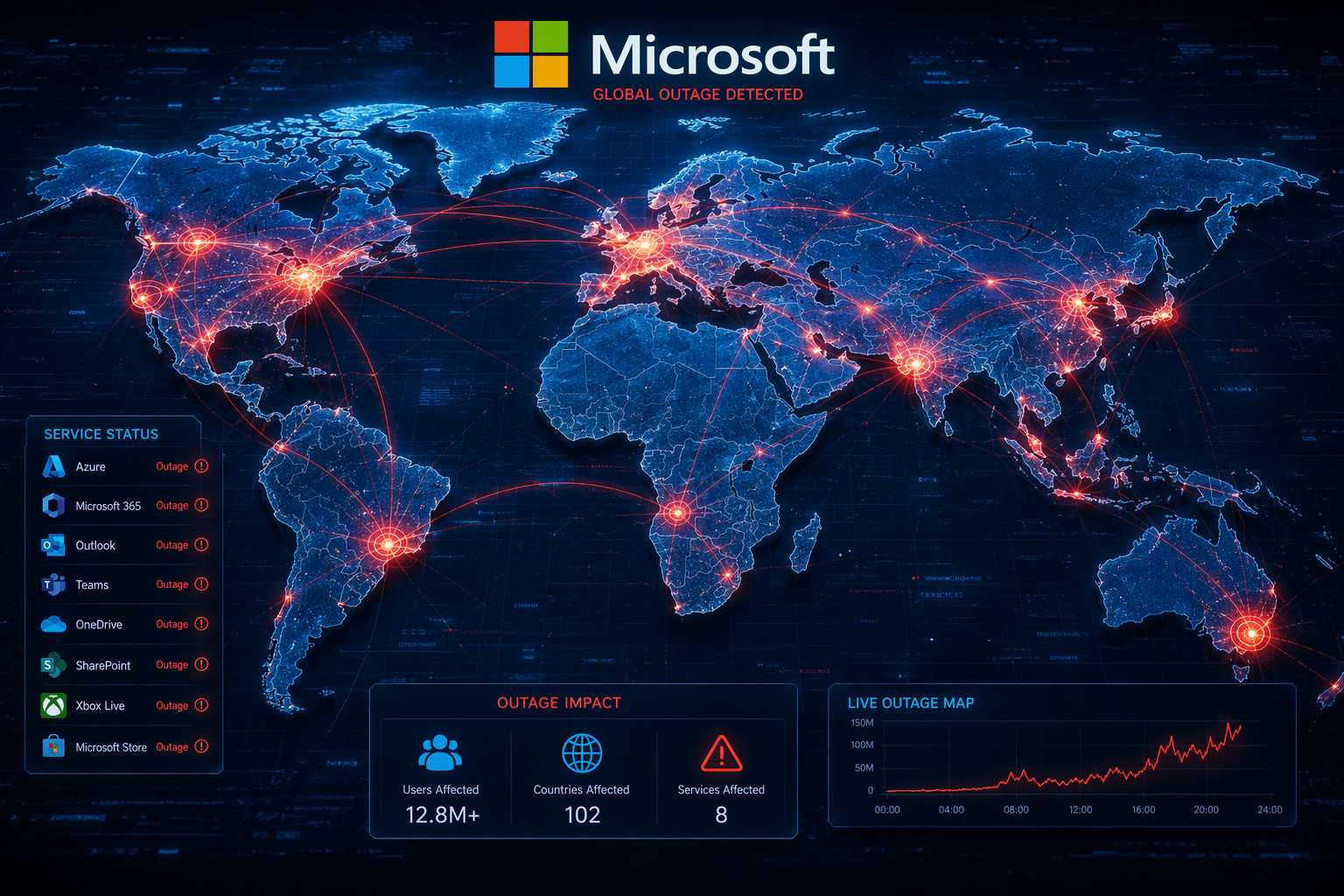
If you use Microsoft for work or school, today’s outage may have disrupted your routine. Outlook email, Microsoft 365, Teams, and Copilot all drew heavy reports from users on Thursday, making this a developing story many people are watching closely. Microsoft has confirmed it is investigating service problems and trying to reduce the impact. If you are wondering what is down, who is affected, and where to check updates, the outage tracker Downdetector sections below break it down clearly. Microsoft 365 outages do not occur frequently, but major incidents sometimes happen a few times per year, often linked to large-scale service issues or system updates. While routine minor disruptions can affect users occasionally, widespread outages like today’s are relatively uncommon.
Understanding Today’s Microsoft Outage Alerts
Yes, Microsoft is experiencing an outage based on official updates and a large spike on outage tracker platforms. User reports on Outlook, Microsoft 365, Teams, and Microsoft Copilot climbed quickly on Thursday afternoon.
Microsoft said the issue may affect Microsoft service connectivity in any region, not just one local area. It also said it began redistributing connection traffic across its broader worldwide infrastructure, including impacted portions of this infrastructure. So if you are asking whether Outlook and Office services are down for other users right now, the answer appears to be yes. Here are the services drawing the most attention.
Which Microsoft Services Are Impacted Right Now?
The biggest user complaints centered on Outlook email and Microsoft 365, with many people saying they could not access messages, send email, or use connected tools normally. Microsoft also said users were having trouble reaching Exchange Online mailboxes through multiple connection methods in the Americas.
The company’s status messaging and later Azure service page alerts pointed to several potentially impacted services beyond email. That means if you rely on one Microsoft app, related tools may also feel slow or unavailable.
| Service | What was reported |
|---|---|
| Exchange Online | Users had trouble accessing online mailboxes |
| Outlook | Large spike in reports and email delays |
| Microsoft Teams | Earlier North America issues and continued complaints |
| SharePoint Online | Listed among potentially impacted services |
| Copilot and Microsoft Defender XDR | Named on the service alert as affected or possibly affected |
How to Check Real-Time Service Status: Downdetector
If you want the current Microsoft 365 service health status, start with Microsoft’s official updates. The company directed users to the admin center for more details under the incident listed as EX1550543. That is the best place to look for service connectivity information from Microsoft itself.
You can also compare those notices with outage tracker activity. Downdetector showed large spikes in reports during the disruption, which helps confirm that the problem is affecting many users at once.
- Check the Microsoft 365 admin center for official updates and incident details.
- Watch Microsoft 365 Status posts for new public statements.
- Use Downdetector to see whether reports are rising or falling.
- Compare both sources to judge whether the issue is widespread or easing.
Navigating Microsoft Outages: Practical Steps for Users
When Microsoft Office goes down, your first step is to confirm whether the problem is local or widespread. Check official posts and compare them with Downdetector to see if others are also reporting connectivity errors with Outlook email or other apps.
If Microsoft Outlook or related tools are failing for many people, avoid wasting time changing settings too quickly. Microsoft said it was already working to restore service connectivity by shifting traffic and reducing load, along with reviewing a specific type of service traffic. Next, it helps to know where to report issues and what actions make sense while you wait.
Where to Find Outage Information and Report Issues
For official updates during a Microsoft outage, start with Microsoft’s status messaging and the admin center. Microsoft pointed users to the admin center incident page for deeper details, while public posts shared broader progress updates. If your organization has IT staff, they can usually check that information directly.
To see whether the issue is affecting a wider group, use an outage tracker like Downdetector. That will not replace Microsoft’s own notices, but it can help confirm the scale and timing of the disruption.
- Review the Microsoft 365 admin center for the latest incident notes.
- Check Downdetector to compare your issue with reports from others.
- Report issues through your organization’s internal IT path if available.
- Avoid making your own configuration changes during an active incident unless directed.
Tips for Staying Productive When Services Are Down
Service outages can slow work quickly, especially when email and collaboration apps are central to your day. During this event, Microsoft said users were hitting problems through multiple connection methods, so trying every login path may not solve it right away. In moments like this, the best move is often to pause, verify the outage, and shift priorities, as additional traffic moves may help alleviate some of the load.
Microsoft also said, as a precaution, it paused deployments and configuration changes while reviewing recent changes related to Nvidia. That is a useful reminder for users too: avoid unnecessary edits while systems are unstable.
- Switch to tasks that do not depend on cloud access.
- Use alternative connection methods only if your team already supports them.
- Wait for official updates before reacting to rumors.
- Hold off on nonessential deployments or setting changes on your side.
Conclusion
In conclusion, staying informed about Microsoft outage alerts is essential for maintaining productivity and minimizing disruptions in your workflow. By understanding which services are affected and knowing where to find real-time updates, you can navigate these outages more effectively. Remember to utilize the tips provided to stay productive during downtime and ensure that you’re prepared for any unexpected interruptions. Keeping abreast of service statuses will empower you to adapt swiftly and remain efficient, regardless of the challenges thrown your way. For further assistance or insights, don’t hesitate to reach out for help.
Frequently Asked Questions
Is there a Microsoft outage right now?
Yes. Microsoft said it is investigating an outage affecting Exchange Online and other Microsoft 365 services in November. Reports of users surged on outage tracker sites, and many people described connectivity errors with Outlook email, Teams, and related tools. The issue was still active as updates continued Thursday afternoon.
What causes Microsoft outages?
Based on Microsoft’s updates, this outage may be linked to elevated load on affected infrastructure. The company said it was reviewing an unexpected increase in a specific type of traffic, pausing configuration changes, and shifting load in parallel across its worldwide infrastructure to reduce pressure and restore capacity.
How can I track Microsoft 365 service outages?
You can track Microsoft 365 issues through the admin center for official status details, including Microsoft Outlook outage updates, and by watching the Downdetector outage tracker for broad user trends. During this incident, updates referenced online mailboxes and listed services such as Microsoft Defender XDR among the tools experiencing or potentially experiencing problems.

Tim has worked in the Metro Detroit Area’s IT since 2010, starting as a field technician for major corporations before advancing into engineering and running his own IT business. With extensive SMB experience, he helps organizations bridge the gap to enterprise technology and scale with confidence.