
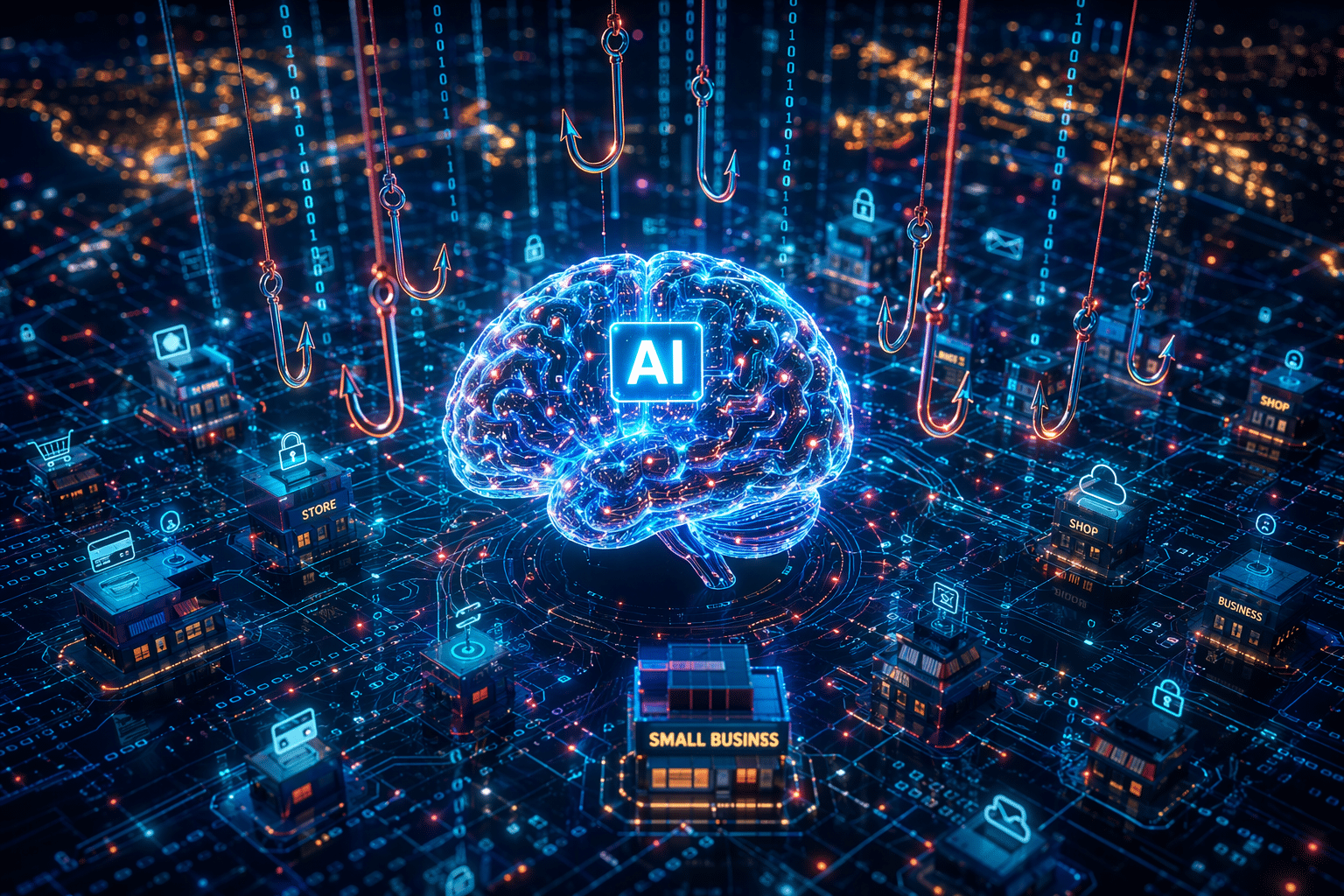
Artificial intelligence is changing how attackers build and send phishing emails. What used to look sloppy now often looks polished, relevant, and urgent. That shift increases the risk of security breaches, especially for small businesses that do not have large security teams watching every message. You may already have filters in place, but AI-driven scams create more alerts and more uncertainty. The result is simple: more suspicious activity to review and more pressure on the people handling it.
Understanding AI-driven Phishing Attacks in Today’s Digital Landscape
Phishing attempts are evolving because generative AI helps attackers create better bait at a much higher speed. Emails, fake pages, and lures can now be produced in minutes and changed constantly.
That matters because social engineering works best when messages feel familiar. Attackers can tailor content with public details, making it easier to trick people into sharing sensitive data. To see why this is different, it helps to compare AI phishing with older methods.
What Makes AI Phishing Different from Traditional Attacks?
Traditional scams often gave themselves away with awkward wording, bad formatting, or obvious mismatches. Today, generative AI removes many of those clues. A malicious email can sound like a routine note from HR, finance, or IT.
That change also improves spear phishing. Attackers can pull in company details, role-specific language, and realistic requests, which makes email content harder to dismiss at a glance. Similar messages no longer look identical, so each phishing campaign creates more cases that need review.
There is another problem. AI helps criminals rotate domains and message styles quickly. That means security tools often return limited reputation data on fresh links. Instead of an easy block-or-close decision, your team gets more uncertain alerts, more manual checks, and more chances for real threats to hide in plain sight.
Why Small Businesses Are Prime Targets for AI Phishing
Small businesses are attractive targets because attackers know resources are often tight. You may not have a large security team, a dedicated SOC, or time to inspect every questionable message.
Criminals do not need massive volume to win. One employee clicking a fake login page or sharing sensitive information can lead to identity theft, account abuse, or broader access. Even a single compromised mailbox can create serious business disruption.
Attackers also know that smaller organizations handle valuable personal information every day. Customer records, payroll details, payment data, and internal documents all have value. If your staff is busy and your defenses rely heavily on quick visual checks, AI-crafted phishing becomes much more dangerous. The next step is knowing what warning signs still stand out.
Key Signs and Red Flags of Modern Phishing Attempts
Even with better wording and branding, most scams still leave clues. The challenge is that the red flag may be smaller than before, so your team has to slow down and look at context.
The strongest signs of a phishing email often involve strange requests, mismatched links, and pressure to share sensitive information fast. Good email security depends on recognizing these patterns before anyone clicks. Let’s break down the quickest ways to spot trouble.
Common Indicators to Identify a Phishing Email Quickly
If you want to identify a phishing email quickly and accurately, start with the basics. Check who sent it, what it asks for, and whether the message fits normal business activity. Many attacks still expose themselves through small inconsistencies.
Watch for these common signs:
- Suspicious email addresses or domains that do not match the company name
- Generic greetings such as “Dear customer” instead of your name
- Grammatical errors or spelling mistakes that feel out of place
- Unexpected attachments or login requests
- Urgent wording that pushes immediate action
Some AI-generated messages look clean, so do not rely only on bad grammar. Ask a second question: Does this request make sense right now? If the email feels off, do not reply, do not forward it casually, and do not click. That simple pause can stop a costly mistake.
Recognizing Suspicious Links and Malware Delivery Methods
Many phishing attacks are built around malicious links. The email may look harmless, but the click can lead to a malicious website, a fake login page, or a file that drops malware onto a device.
Use these checks before interacting with a link:
- Hover over links to compare the visible text with the real destination
- Look for domains that are slightly altered or unfamiliar
- Be cautious with shortened links or vague “Click here” buttons
- Avoid entering login credentials after following an unexpected email link
- Treat unsolicited attachments like invoices or ZIP files as risky
If you suspect you received a phishing link, the first step is simple: do not click, do not reply, and do not forward it around the office. Report it to your IT department or security team. Employees are not expected to verify every suspicious message on their own. That is why process matters.
Latest Tactics Cybercriminals Use in AI Phishing Attacks
Today’s threat actor does more than send fake emails. AI supports deepfake content, voice tricks, and personalized lures delivered across email, phone, and text messages.
That broader approach makes each phishing scam feel more believable. Social engineering now works at scale, while still sounding personal. If you want to understand where attacks are heading, focus on the newest methods criminals are using right now.
Use of Deepfake and Voice Cloning Technologies
One major shift is the use of deepfakes and voice cloning. Attackers can now add fake audio or video to support a scam, making requests feel urgent and trustworthy.
This raises the pressure on staff during phone calls or video-based outreach. A message that sounds like an executive, vendor, or coworker can push someone to share sensitive information or bypass normal checks. That is especially dangerous in spear phishing attacks aimed at finance or account access.
The core tactic is still manipulation. AI simply makes the disguise stronger. When a voice sounds familiar, people tend to act faster and question less. Small businesses need clear verification steps for unusual requests, especially those involving payments, credentials, or confidential records. Without that discipline, one convincing interaction can trigger a serious incident.
Automated Social Engineering at Scale
Generative AI lets criminals run a larger phishing campaign without writing every message by hand. They can produce many versions quickly, test which ones work, and adjust tone, timing, and topics with little effort.
That means social engineering is no longer just personal or just broad. It can be both. Attackers use public company details, names, and role clues to create emails that feel specific enough to earn trust, even when they are sent at scale. Personal information becomes bait.
The same speed that helps attackers can also help defenders. AI can support phishing detection by highlighting suspicious behavior, unusual link activity, and hidden steps that basic reputation checks miss. Still, technology works best when paired with trained people and a process for quick review. That leads directly to the SOC challenge many teams now face.
The Impact of AI Phishing on Security Operations Center (SOC)
A SOC helps a security team triage alerts, investigate suspicious activity, and respond before issues become major security incidents. In phishing defense, that means checking messages, links, behavior, and possible compromise.
The problem is volume. AI-generated lures create more alerts, more gray areas, and more potential threats that cannot be dismissed quickly. For small businesses and providers supporting them, cybersecurity becomes harder when the queue grows faster than analysts can review it.
Overwhelming Alert Volumes and Tier 1 Analyst Fatigue
AI phishing impacts SOC teams by increasing alert volumes and making each case harder to close. A Tier 1 analyst may no longer see obvious signs that a message is safe or malicious. Instead, more cases need deeper checking.
That slows triage and pushes unclear items to senior staff. As backlogs grow, real security incidents can sit in the queue longer. A threat that starts in email can spread into other areas of the network before action is taken.
| AI-driven change | What Tier 1 has to deal with | SOC impact |
|---|---|---|
| More lure variations | Similar messages no longer match obvious patterns | More manual review |
| Better impersonation | Routine HR, finance, or IT tone looks believable | More context checks |
| Personalized content | Public employee details make emails pass a quick review | More uncertain cases |
| Short-lived domains | Fresh links have little reputation history | More escalations |
| Hidden redirects | Behavior appears only after interaction | Slower verdicts on potential threats |
Challenges in Effective AI Phishing Detection and Response
Organizations defend themselves best when phishing detection is fast, consistent, and based on evidence. That sounds simple, but many teams still rely on scattered security tools and partial information.
A phishing scam may hide its real behavior behind redirects, CAPTCHA, or user actions. Basic checks can miss that. When evidence is incomplete, analysts hesitate, cases are escalated, and response takes longer. This is where human error also becomes a factor, because rushed decisions are more likely when queues are full.
Best practices focus on reducing uncertainty. Teams need workflows that show what happens after the click, not just whether a link has prior reputation. They also need structured handoffs so Tier 2 does not repeat work already done by Tier 1. For small businesses, the right outside support can make that far more practical.
Solutions for Reducing Phishing-related Overload in Small Businesses
The best way to reduce overload is not to require more manual effort. It is a smarter mix of security tools, automation, and clear escalation steps that help analysts reach a decision faster.
For small businesses, strong phishing detection also supports broader data security. When your team can confirm routine cases quickly, serious issues stand out sooner. That kind of additional security is where modern tools and experienced support bring real value.
Advanced Tools and Technologies for Phishing Detection
What tools are available to check links for AI phishing threats? Based on the compiled information, the most useful approach combines automated checks, behavior visibility, and reporting. Instead of guessing from the email alone, teams need to see what a suspicious link actually does in real time.
Helpful capabilities include:
- Isolated browser or sandbox analysis for suspicious links
- Automated navigation through redirects and CAPTCHA steps
- Behavior-based phishing detection that exposes fake login pages and downloads
- Ready-made reports for faster escalation and containment
This matters because many fresh URLs have little or no history. A basic tool may only say “unknown.” Better security tools help your IT department observe the full attack chain safely, including hidden pages and credential harvesting. That cuts repetitive work and increases review capacity without forcing more hiring every time alert volume spikes.
How Vision Computer Solutions Supports Small Business Security
Small businesses often need protection that feels manageable, not overwhelming. Vision Computer Solutions can help by giving your business access to practical guidance, stronger workflows, and support that reduces pressure on your internal security team.
That means helping you improve data security through better phishing response processes, safer handling of suspicious messages, and more reliable escalation when something looks wrong. Instead of asking employees to figure everything out alone, Vision Computer Solutions can help you build a system where suspicious emails are reported, reviewed, and handled in a consistent way.
Just as important, you get a trusted source to help reduce confusion before a phishing event turns into financial loss. For small businesses, that outside expertise matters. It supports faster decisions, fewer missed warning signs, and a more confident response when AI-driven scams start piling up faster than your staff can sort them manually.
Conclusion
In conclusion, as AI phishing attacks continue to evolve, small businesses must remain vigilant to protect their assets and sensitive information. The overwhelming alert volume can lead to analyst fatigue, making it challenging for security teams to respond effectively. By adopting advanced tools and technologies, you can streamline your phishing detection process and reduce your burden. Vision Computer Solutions is here to support small businesses like yours in combating these threats by providing tailored security solutions that enhance your online safety. Don’t hesitate to reach out and discover how we can help safeguard your business from AI-driven phishing attacks.

Zak McGraw, Digital Marketing Manager at Vision Computer Solutions in the Detroit Metro Area, shares tips on MSP services, cybersecurity, and business tech.