
It’s no secret that technology doesn’t last forever. With new devices launching every year, many users feel pressured to replace their computers as soon as something “bigger and better” hits the market. But is that always the best move? Or should you upgrade your old PC instead of buying a new one?
According to a study by Intel, there are over one billion PCs in use today that are three years old or older, with nearly half of those being four to five years old. At first glance, this sounds like a problem—but is it really?
Why People Aren’t Replacing Their PCs as Often
The truth is, technology has become more reliable than ever. While innovation continues, the performance gap between a three-year-old PC and a brand-new one isn’t as dramatic as it used to be. As ZDNet points out:
“Sure, on paper it’s going to be advertised as being faster, and benchmark tests will support this, but in the real world… you’re just not going to see much difference.”
For most users—especially in office environments—tasks like browsing the web, using Microsoft Office, or running basic applications don’t require cutting-edge hardware. This means your older PC might still be perfectly capable of handling your daily workload.
When to Upgrade Your Old PC Instead of Replacing It
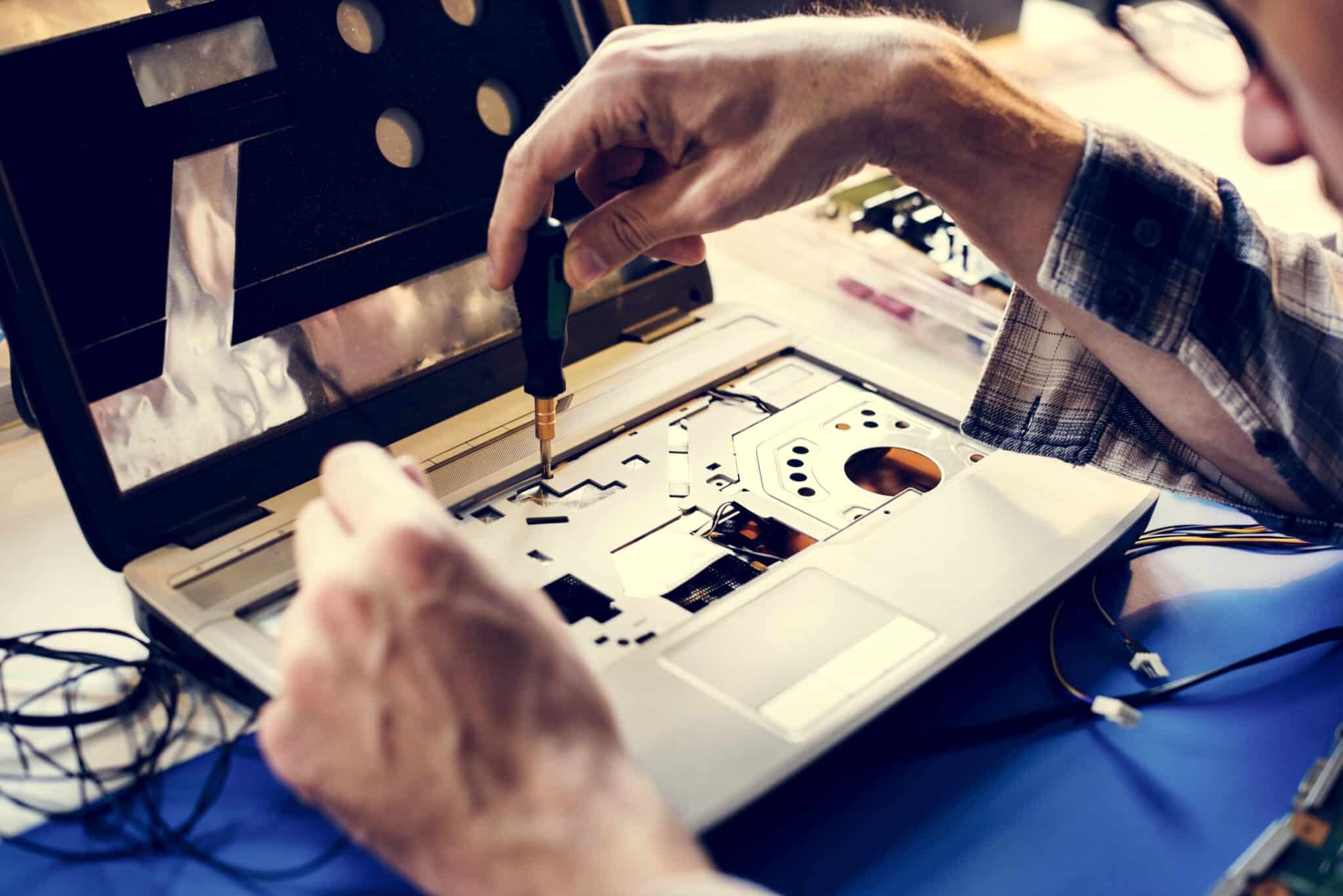
If your computer feels sluggish, it doesn’t always mean you need a brand-new machine. Often, a simple upgrade can breathe new life into your system. Here are a few cost-effective options:
- Add More RAM – Boost multitasking performance.
- Upgrade to an SSD – Dramatically improve boot times and overall speed.
- Update Your Operating System – Ensure security and compatibility.
- Perform Routine Maintenance – Remove unnecessary programs, update drivers, and clean up your system.
These upgrades are far more budget-friendly than replacing your entire workstation—and they can extend the life of your PC by several years.
When It’s Time to Replace Your PC
Of course, there are times when replacing your PC is the smarter move. If your hardware is incompatible with modern software, or if repairs and upgrades cost more than a new system, it’s time to invest in new technology. For businesses, staying current with technology can provide a competitive edge and improve overall productivity.
The Bottom Line
Before you rush to buy a new computer, consider whether you can upgrade your old PC instead. A few strategic upgrades can save you money and keep your systems running smoothly. However, if your business relies on cutting-edge performance, investing in new hardware may be the best choice.
At Vision Computer Solutions, we help businesses make the right decision—whether that means upgrading existing systems or deploying new technology.
Ready to optimize your IT strategy? Call us today at 1.248.349.6115 and let’s find the best solution for your business.

Charles Lobert, has been in the Detroit Metro Area’s IT industry for over two decades & with VCS since ’04. Throughout the years, Lobert has held nearly every position at VCS & is responsible for several major organizational shifts within VCS.